02 · Privacy system · 2025
Arca
A transparency standard for the smart sensing devices around us.
Problem
Sensing devices now sit in homes, rentals, streets and workplaces. The people they sense rarely agreed to it, and nobody can tell what a device is actually doing.
Reframe
Arca started as privacy for camera owners. We pushed it to cover every kind of sensing device, and the bystanders those devices affect.
Outcome
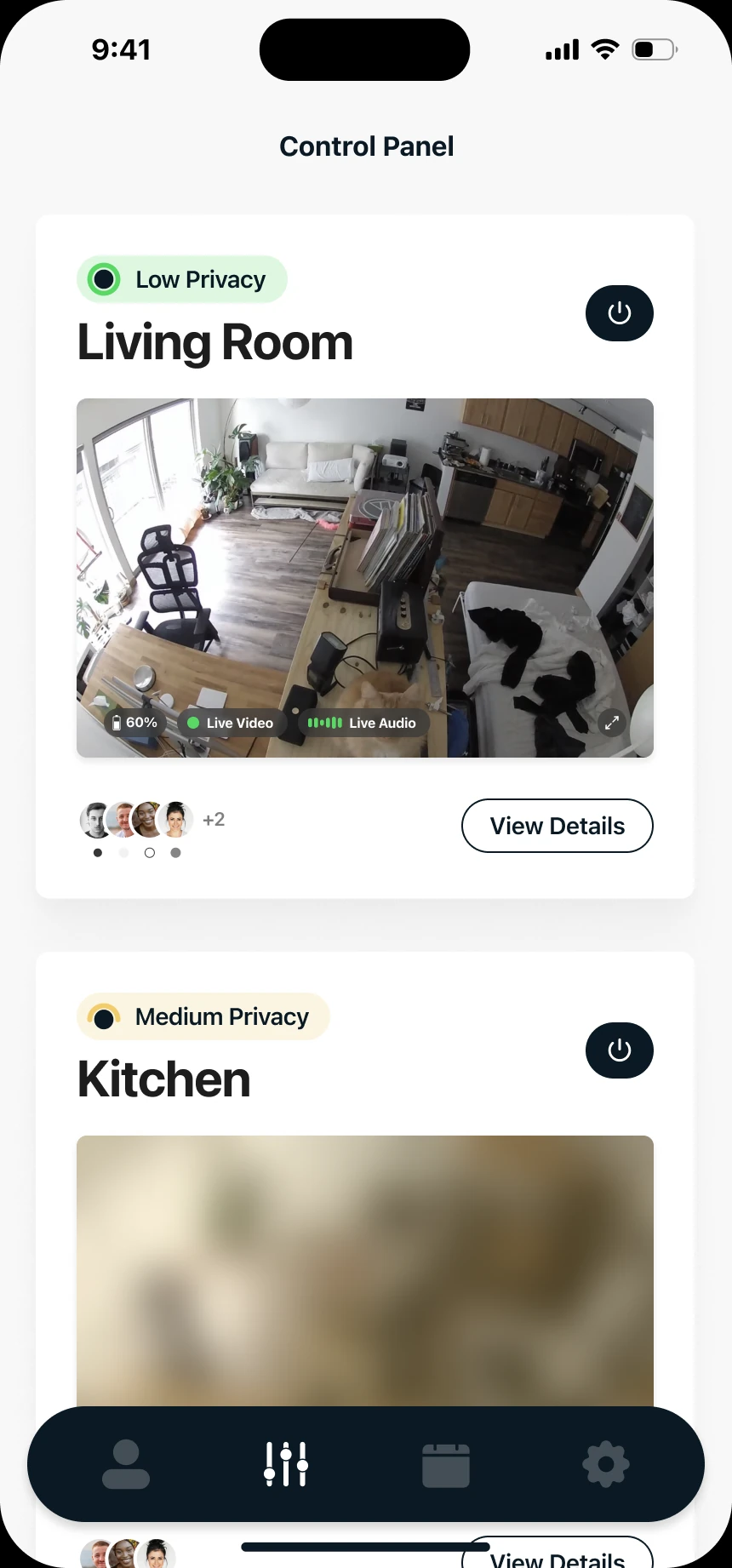
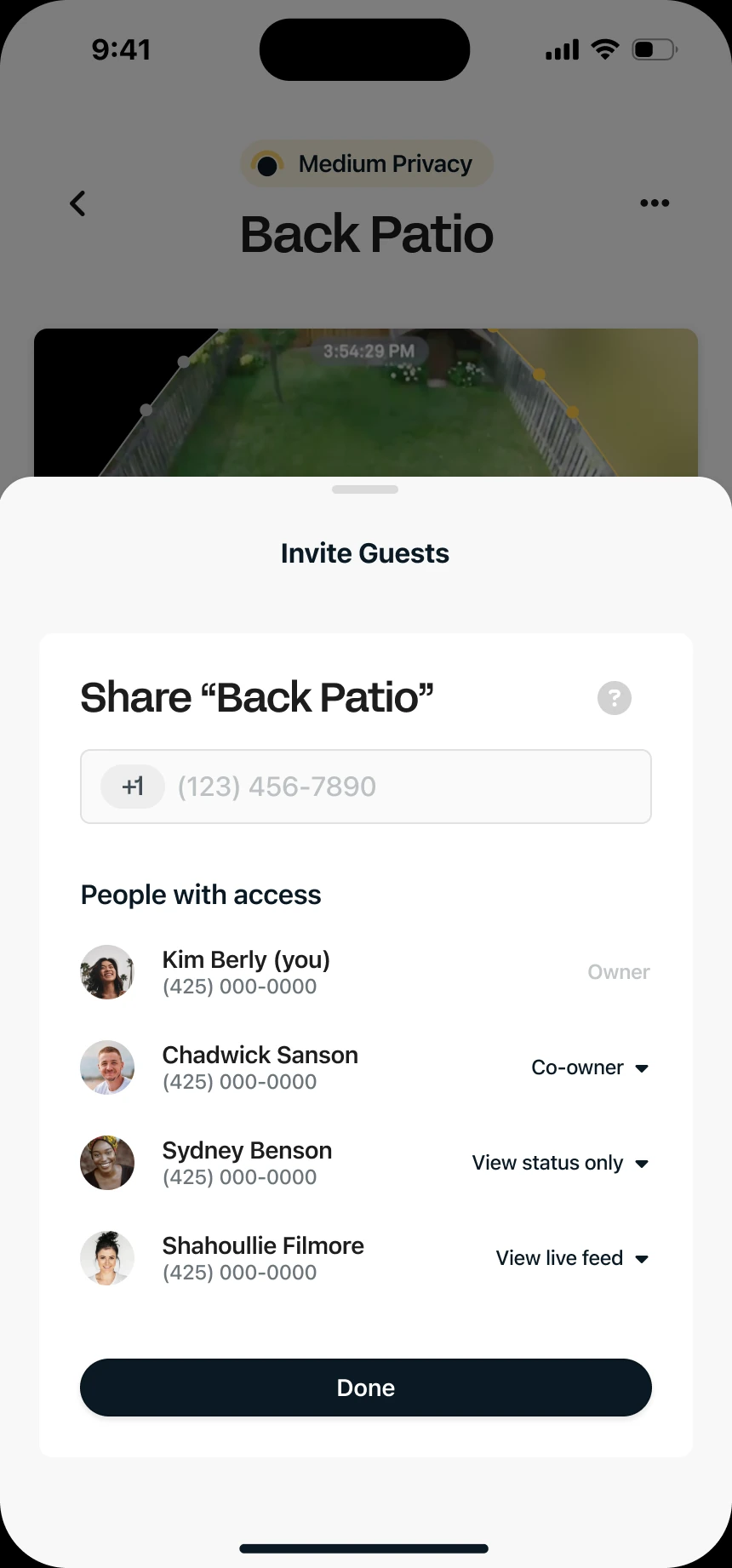
A modular consent system with four privacy states, hardware indicator lights, a guest-facing privacy overview and permission-based sharing.
02 Context
Sensors are everywhere. Consent isn’t.
Cameras, microphones and connected sensors keep spreading into shared spaces. Arca helps people understand and trust them: it shows what a device is sensing, how it’s working, and gives everyone nearby real control through clear indicators, verified status and adjustable sensing modes.
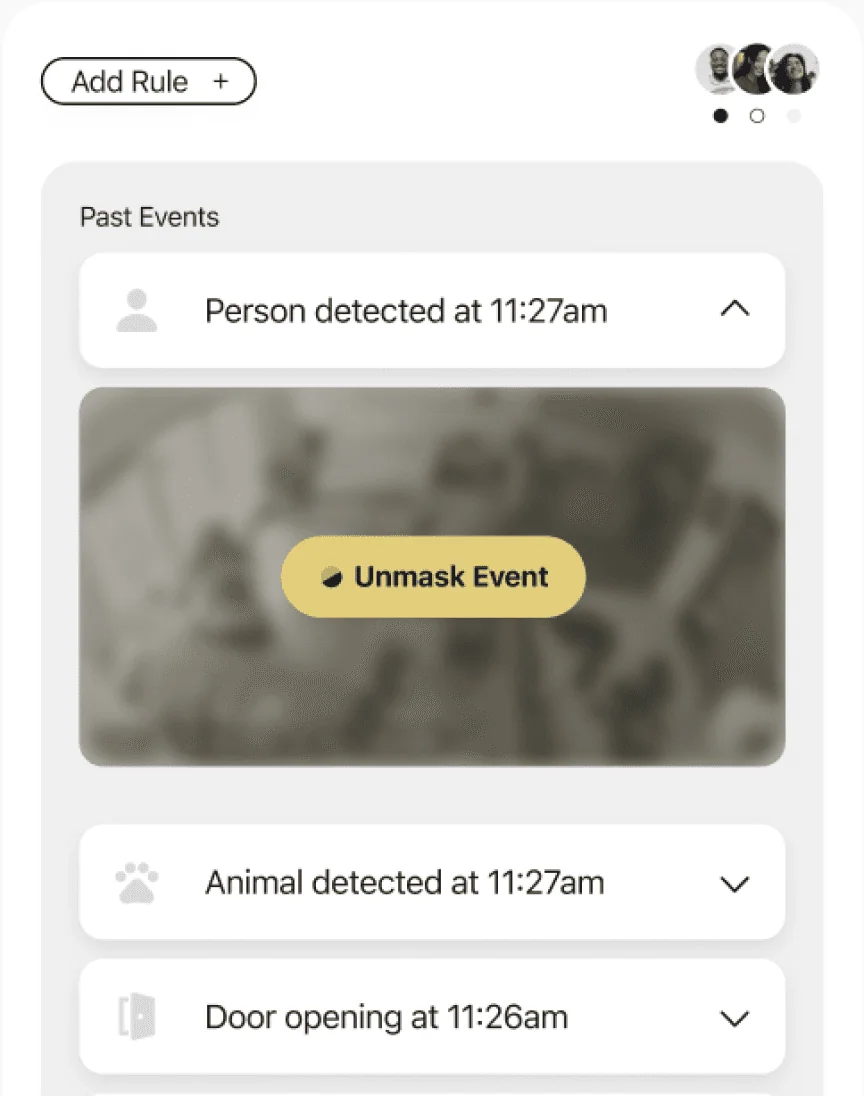
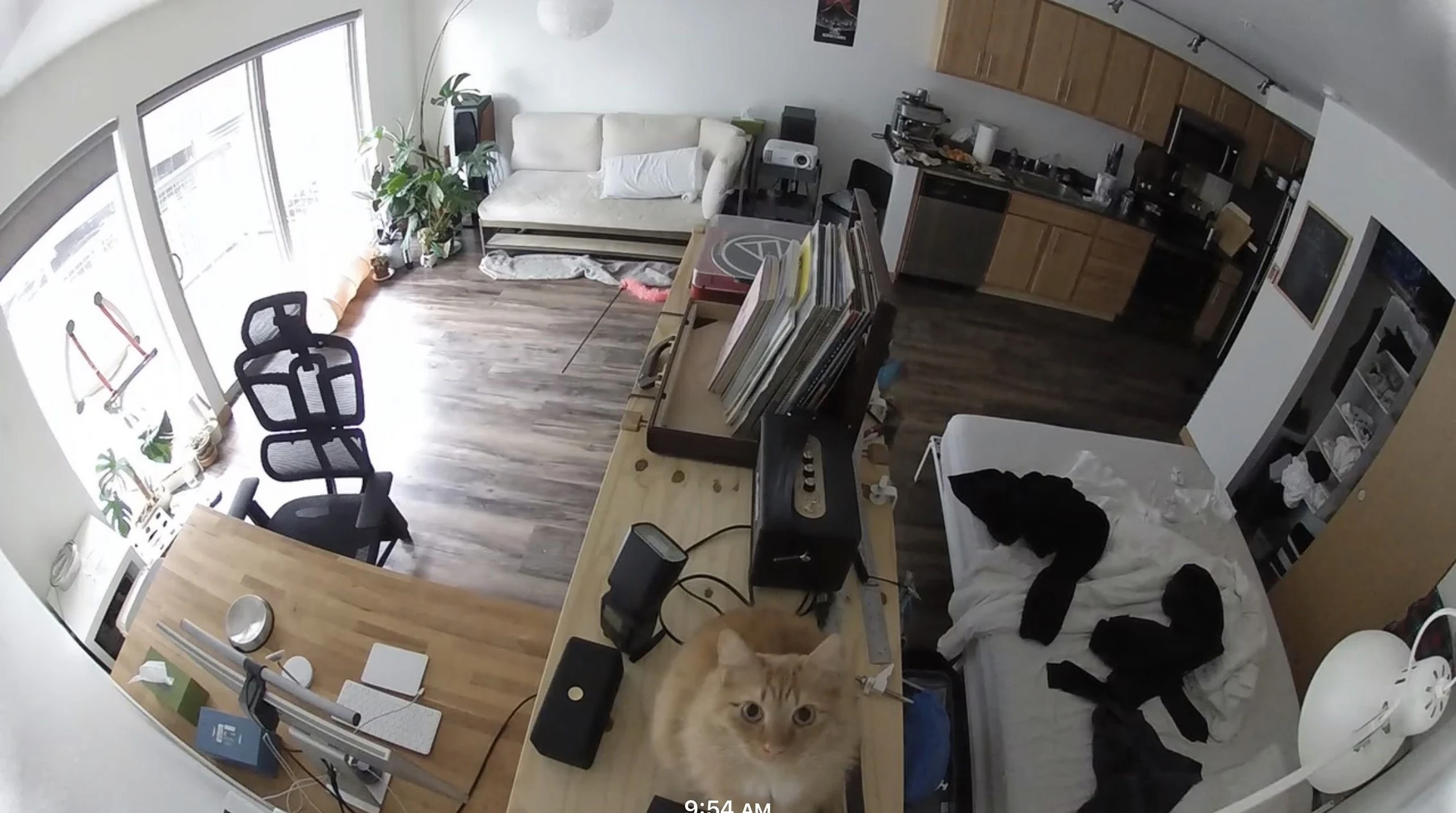 Video masked
03 Challenges
Three questions shaped the system.
- 01
How does Arca scale?
Microphones, proximity sensors and environmental monitors all need one shared language for sensing intent, range and state.
- 02
How do we make it truly clear?
Fully on, medium, strong or fully off: physical lights, overlays and UI have to agree, or people won’t trust what they see.
- 03
Who else is in the room?
Devices live in shared spaces. Settings must respect different comfort levels, not just the owner’s.
04 Scenarios
Designing for the people on both sides of the lens.
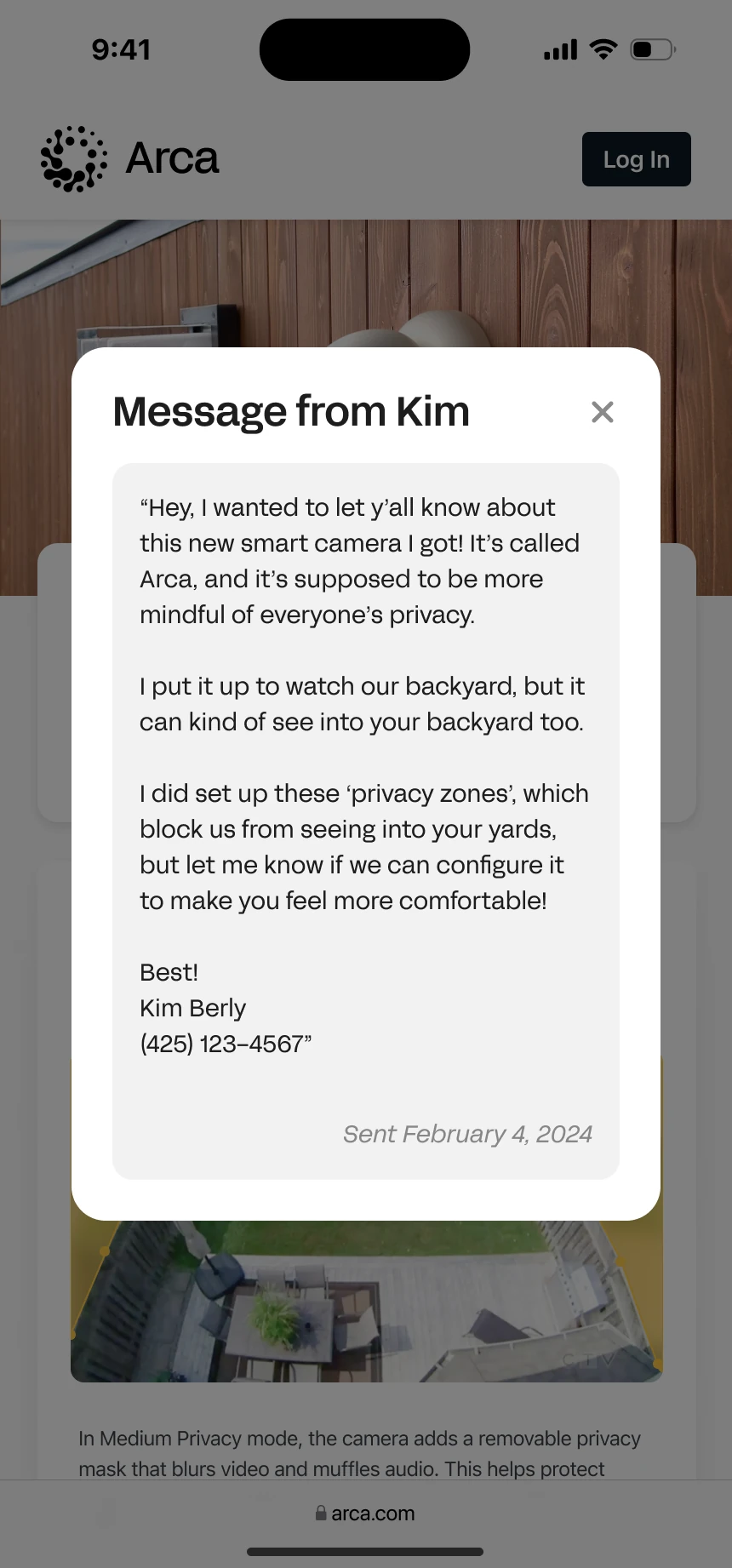
Two scenarios stress-tested the model: one where the owner and the sensed are strangers, and one where they’re family.
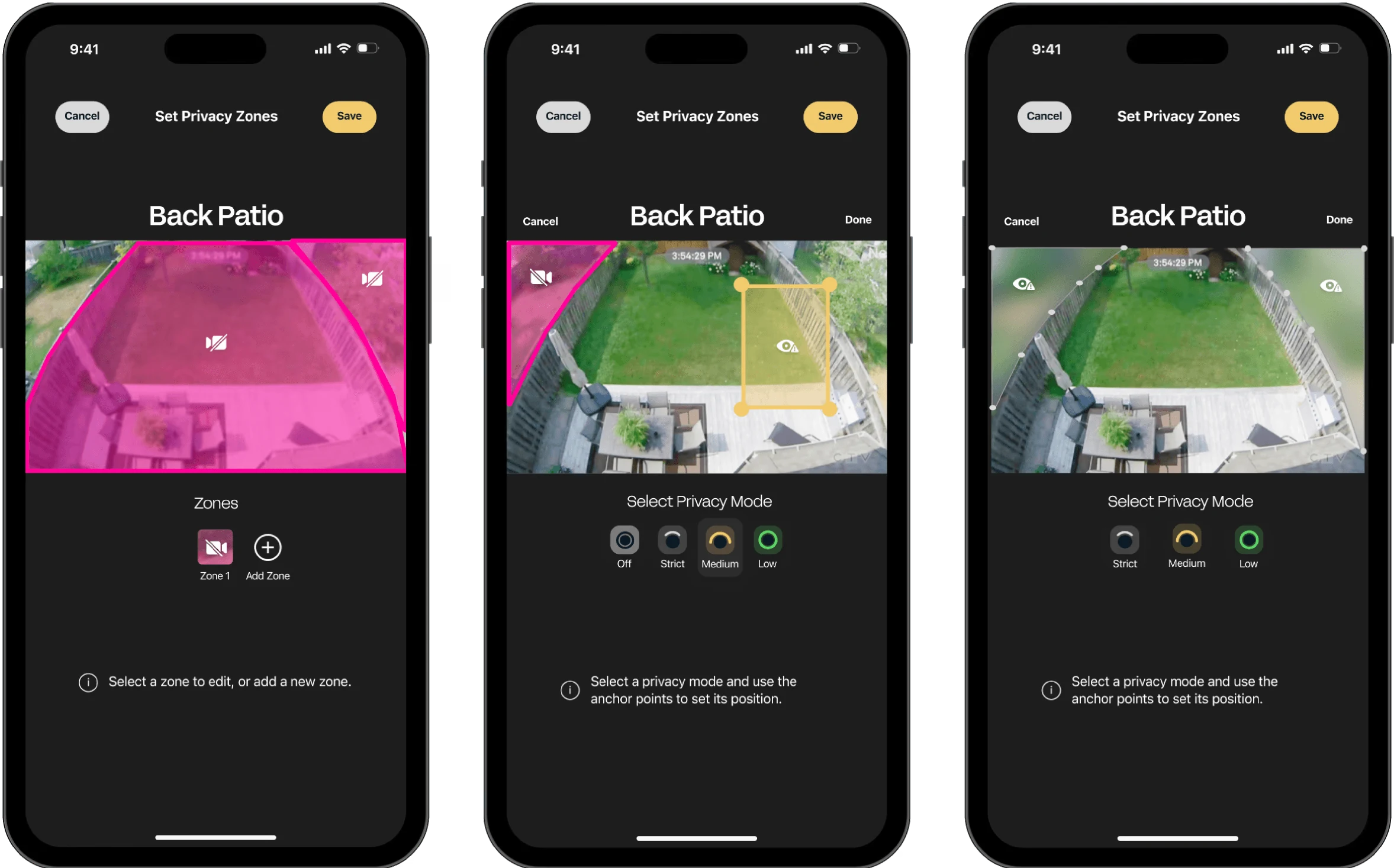
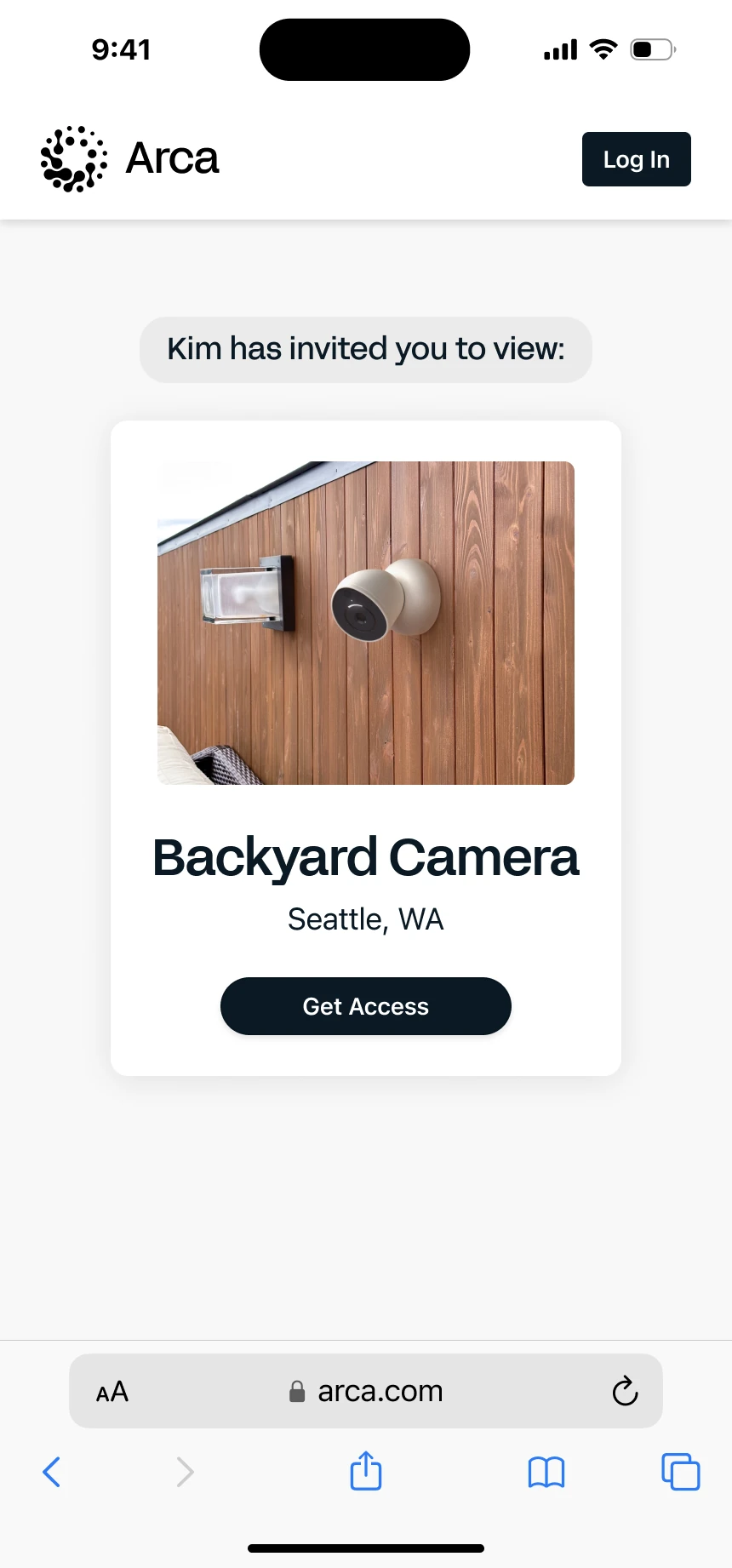
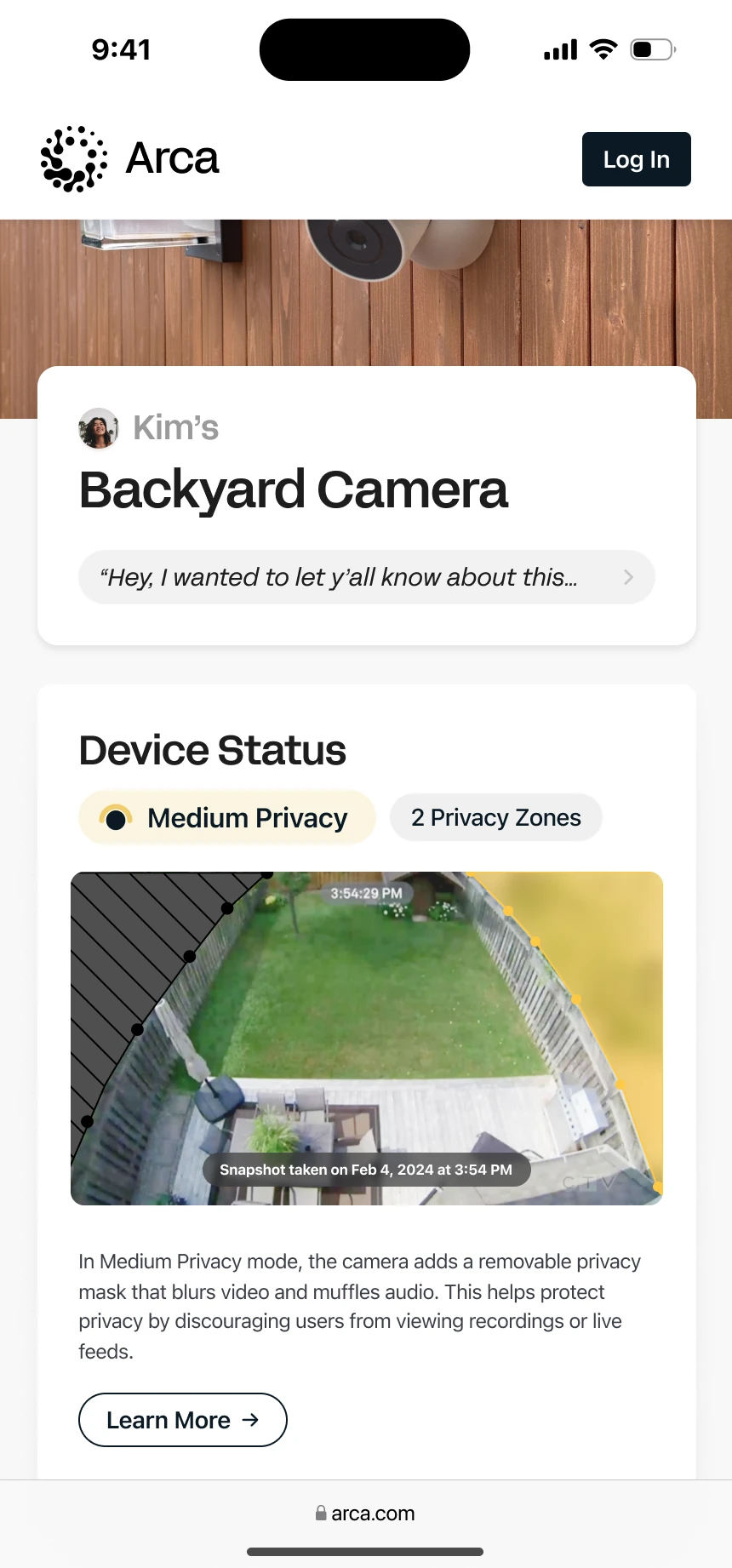
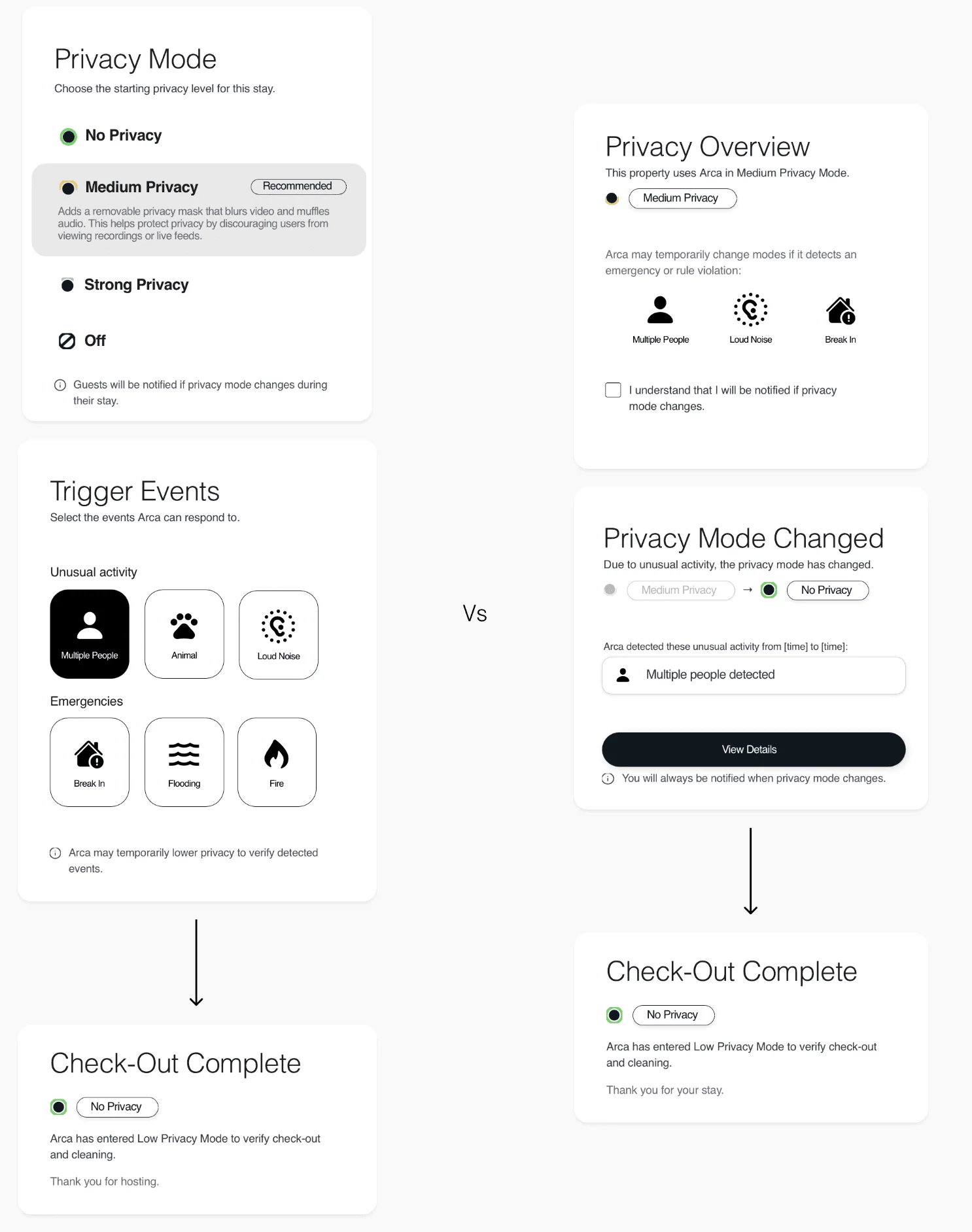
Hosts map the property and mark sensitive areas as Medium or Strong privacy using 3D mapping or live view. Guests always know which zones are sensed.
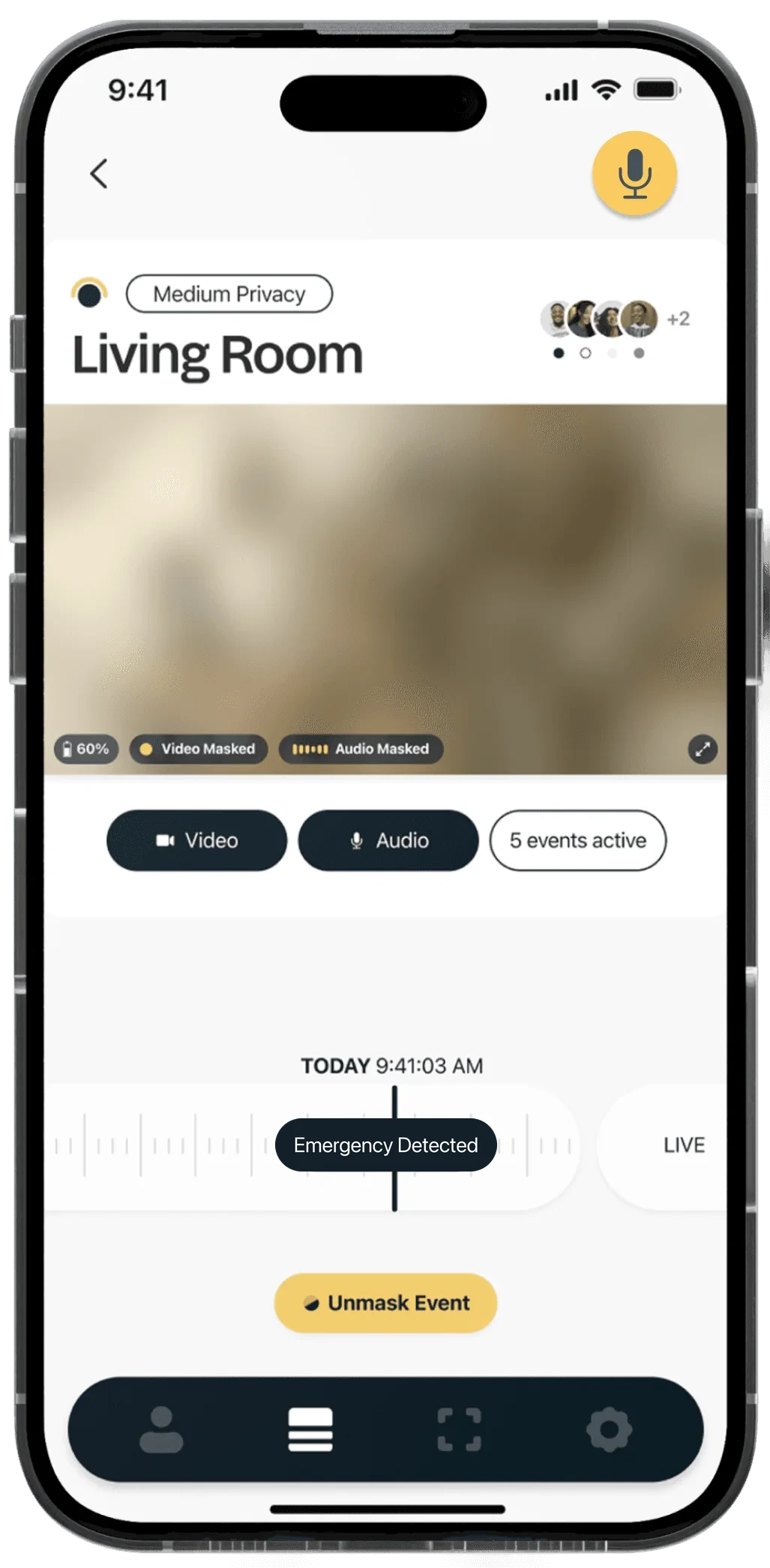
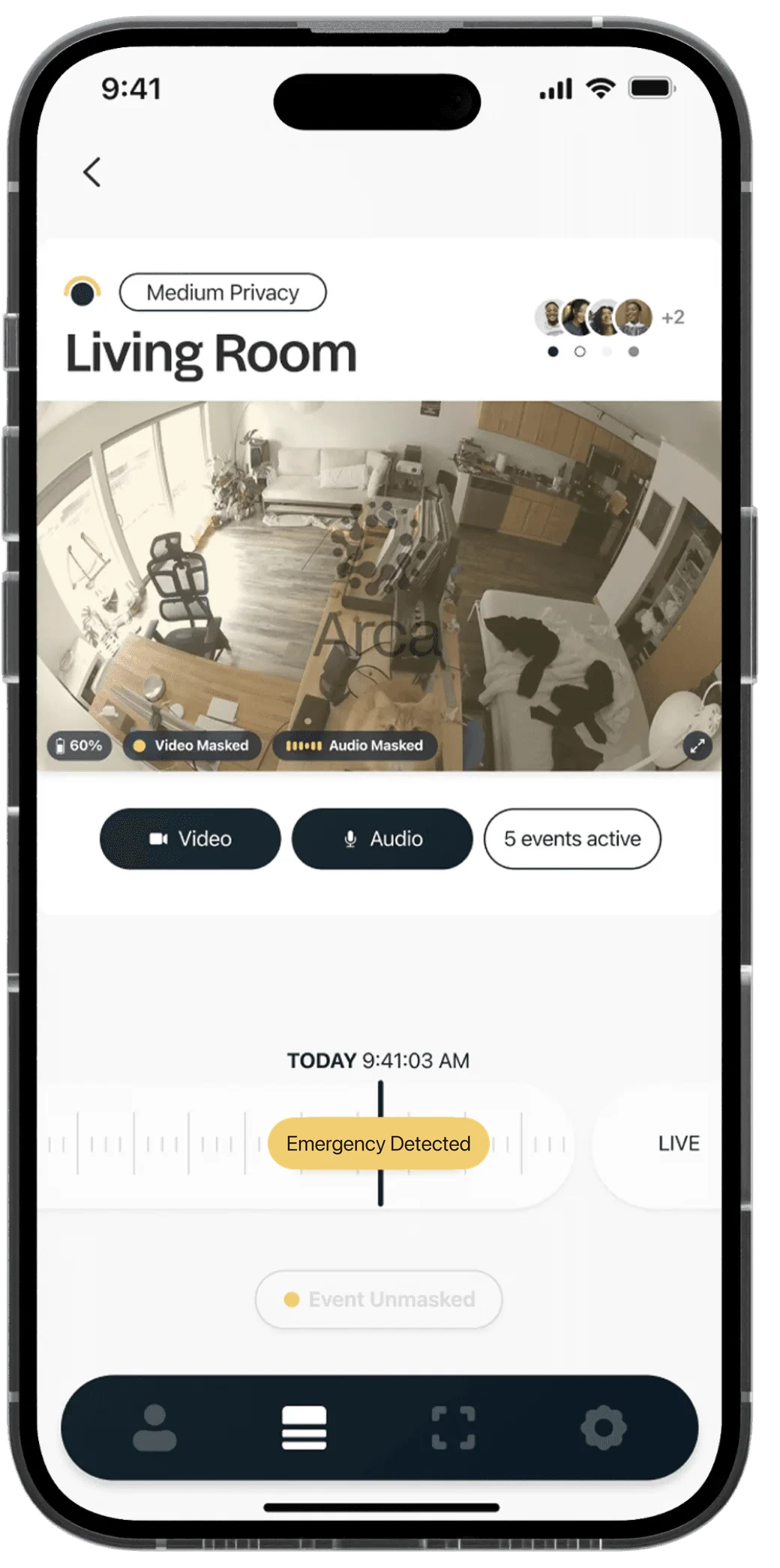

“Hey Arca, call Kiana.” The default stays Medium Privacy. In an emergency, Arca asks whether to give an adult child full access, triggered by voice, motion or noise.
05 Final design
A device that can’t lie about what it’s doing.
Every Arca device carries a large light ring around the lens and a small light by the mic. The pattern always matches the device’s real state, and it can’t be switched off in software.
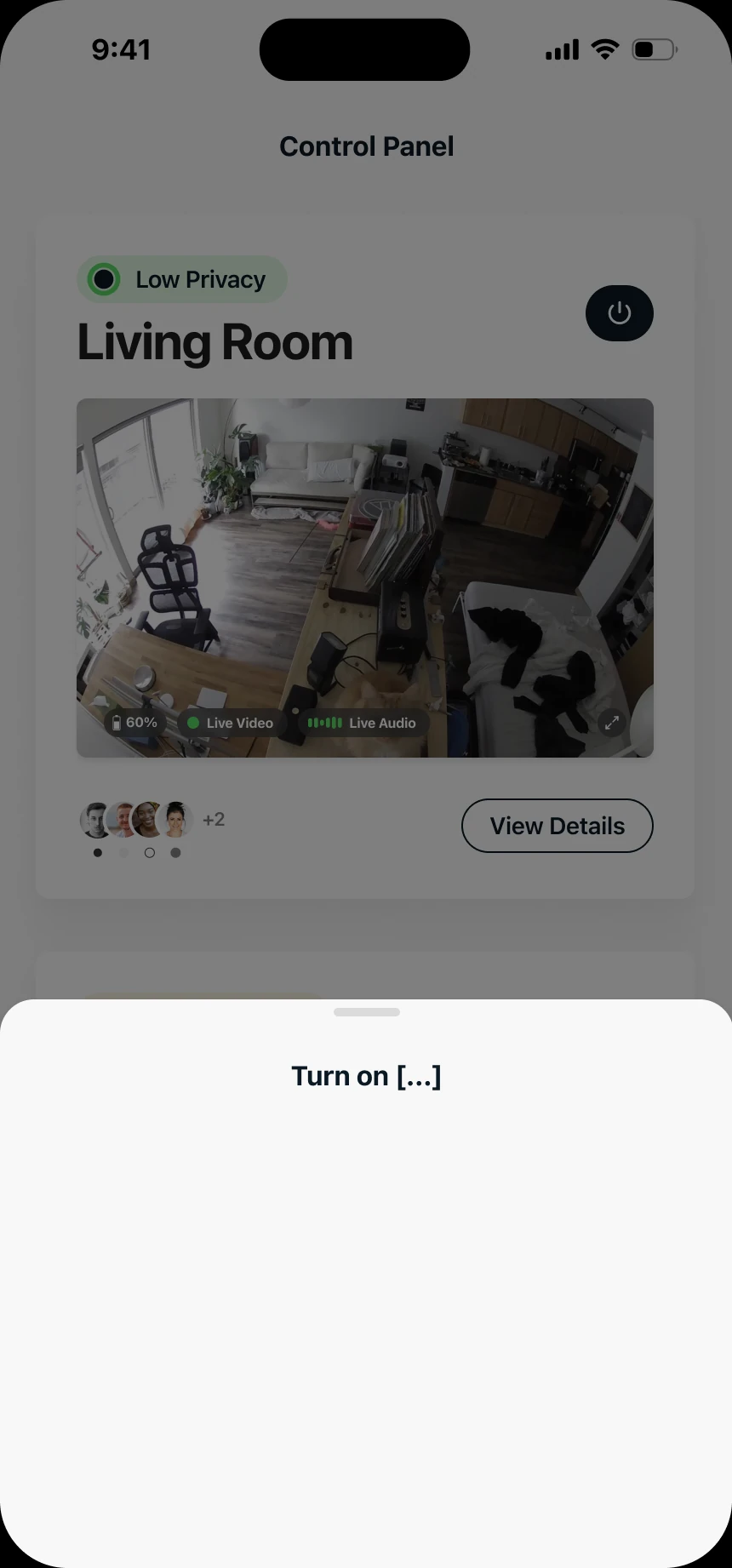
Try it · switch privacy states
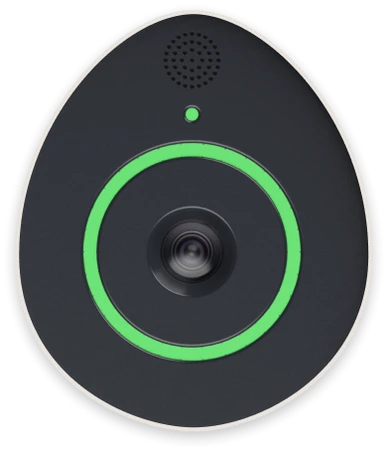
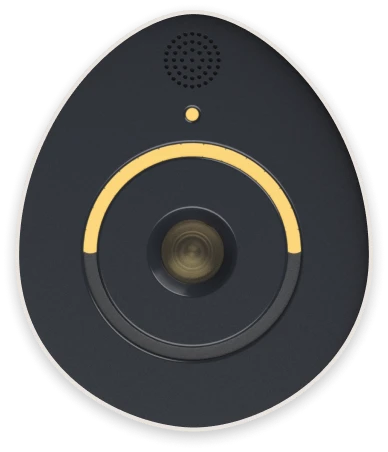
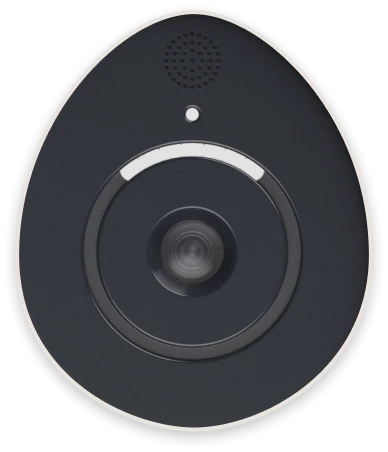
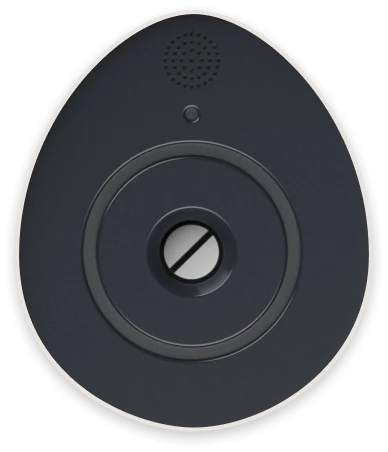
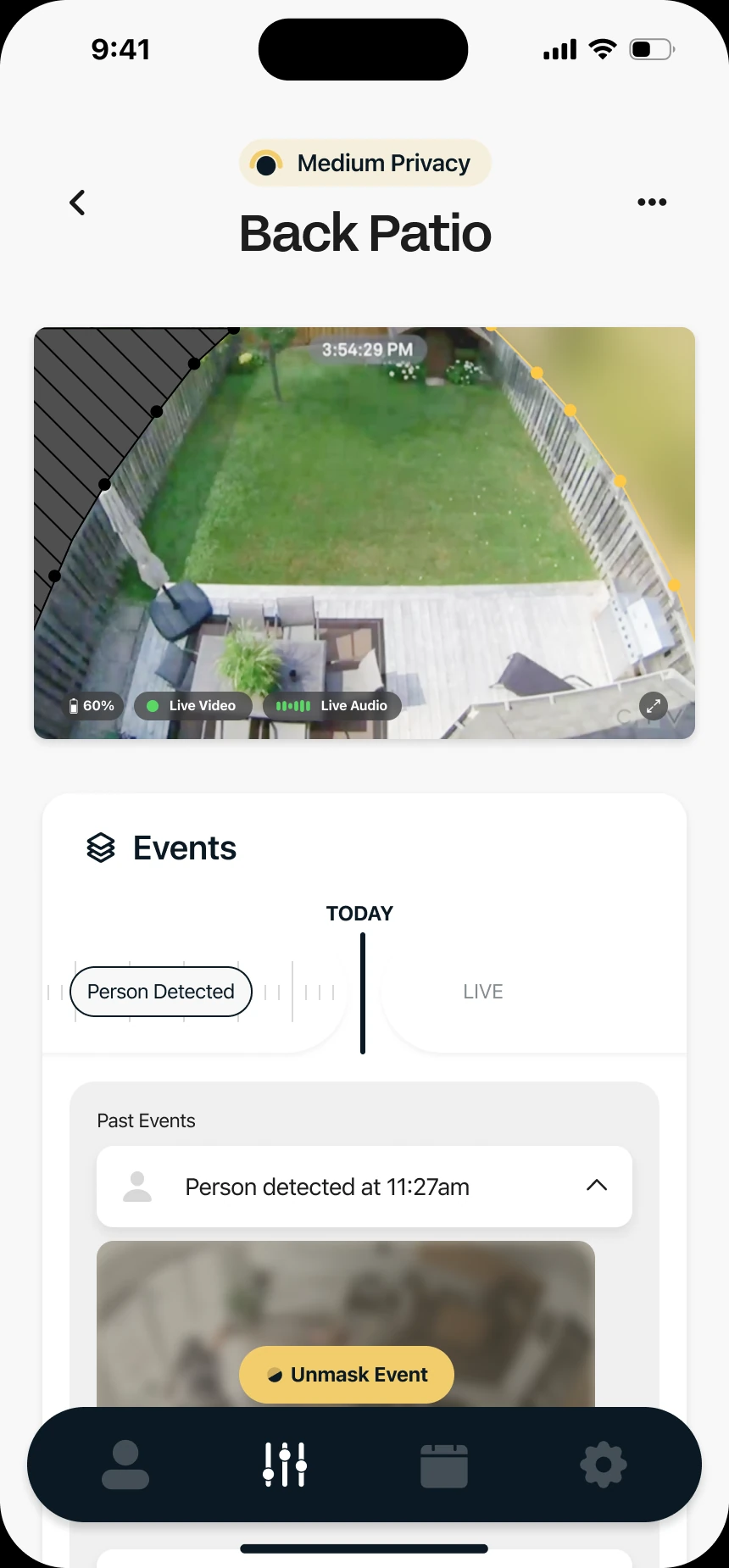
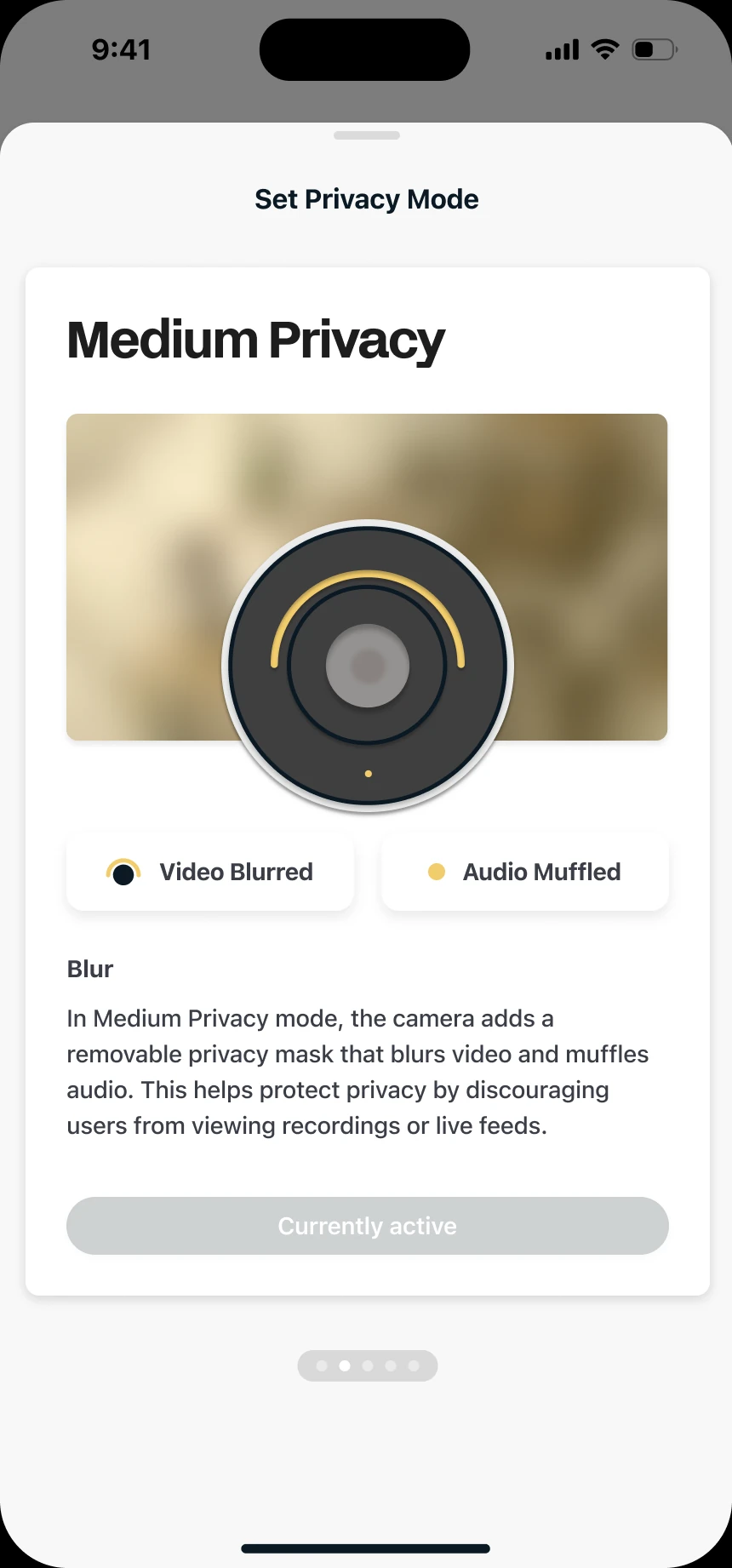
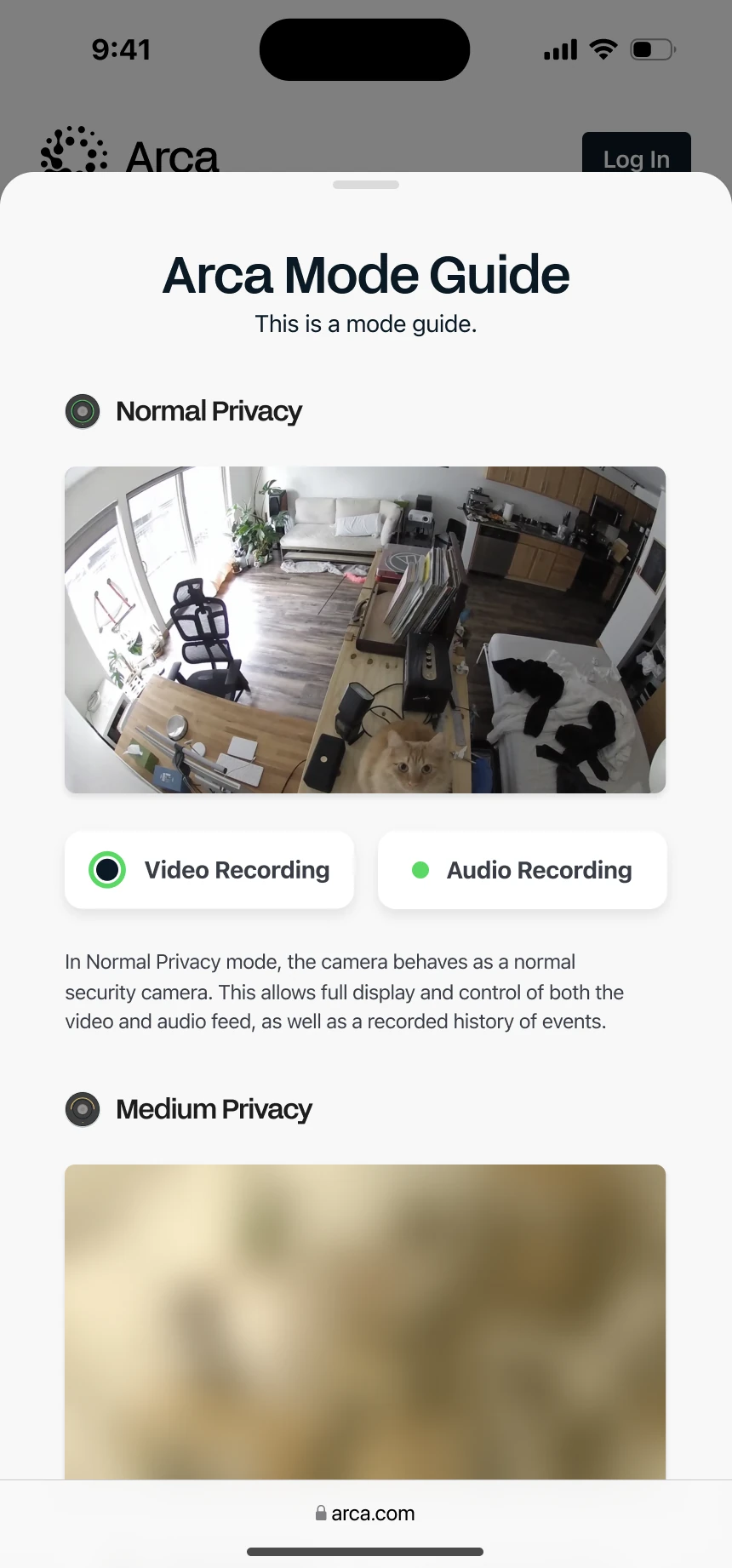
Medium Privacy (default): video is masked and audio muffled while the camera and mic keep recording.
01 · Modular consent, two perspectives
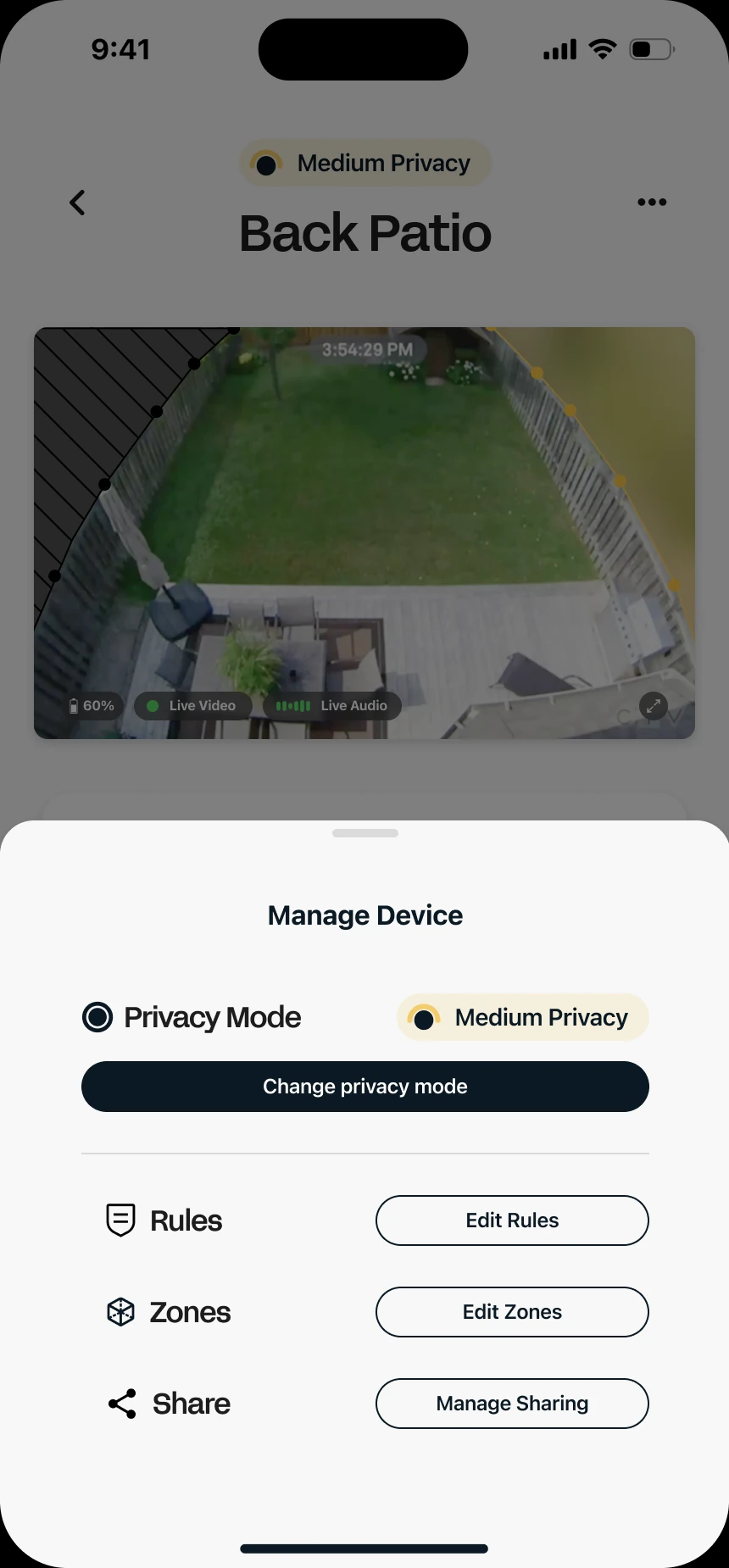
One central protocol, many sensing modules. Hosts choose a starting privacy level and which events Arca may respond to. Guests get a plain-language privacy overview and are notified whenever the mode changes.
02 · States you can read at a glance
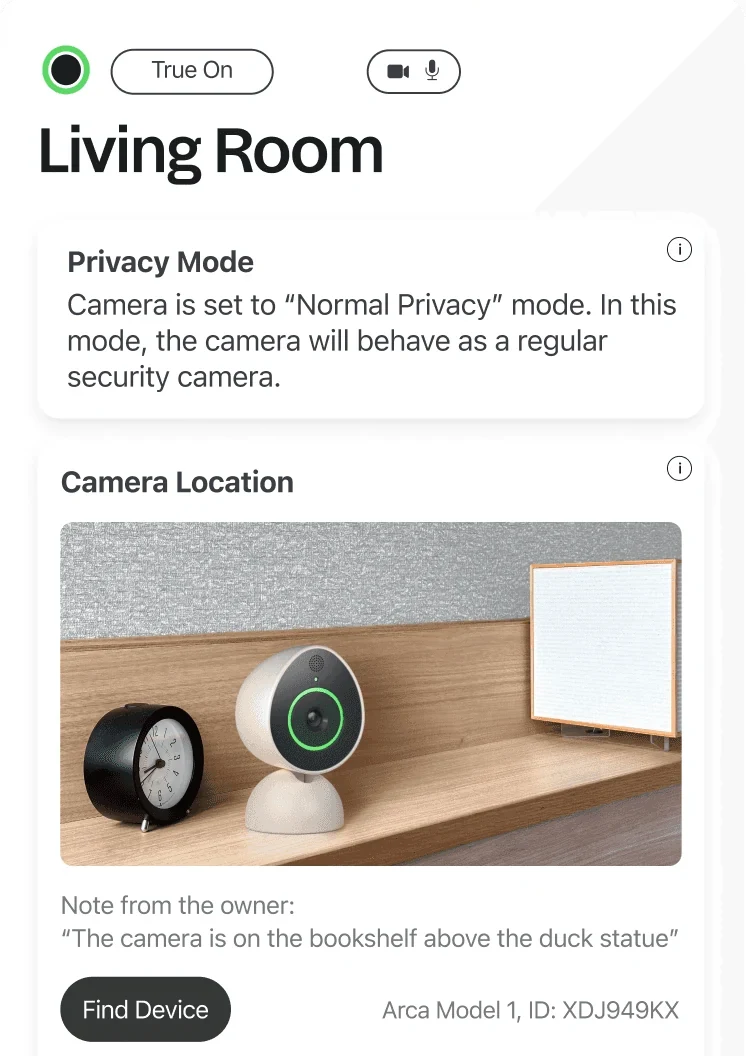
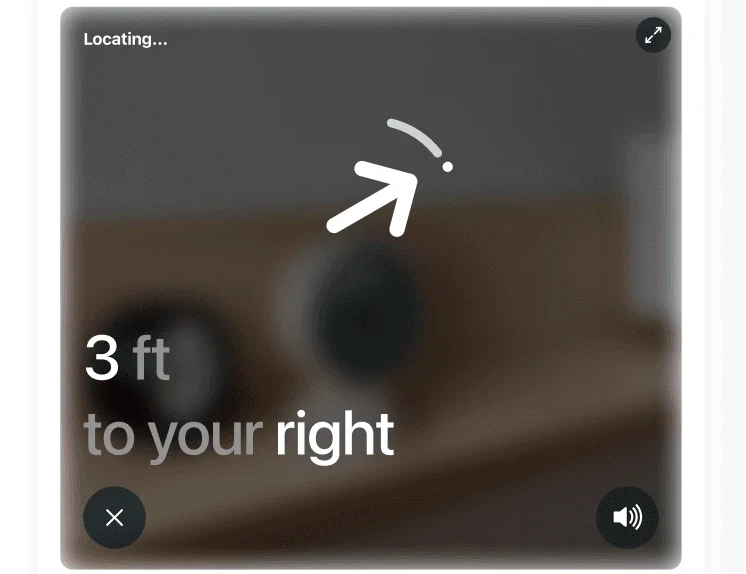
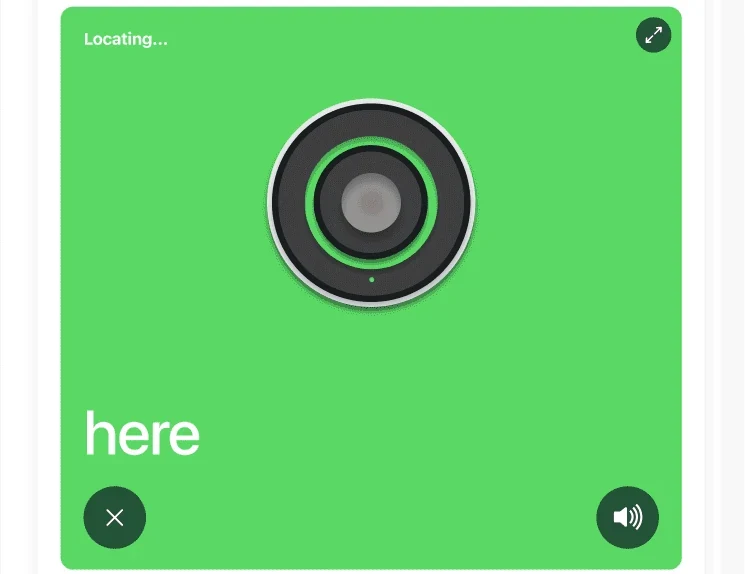
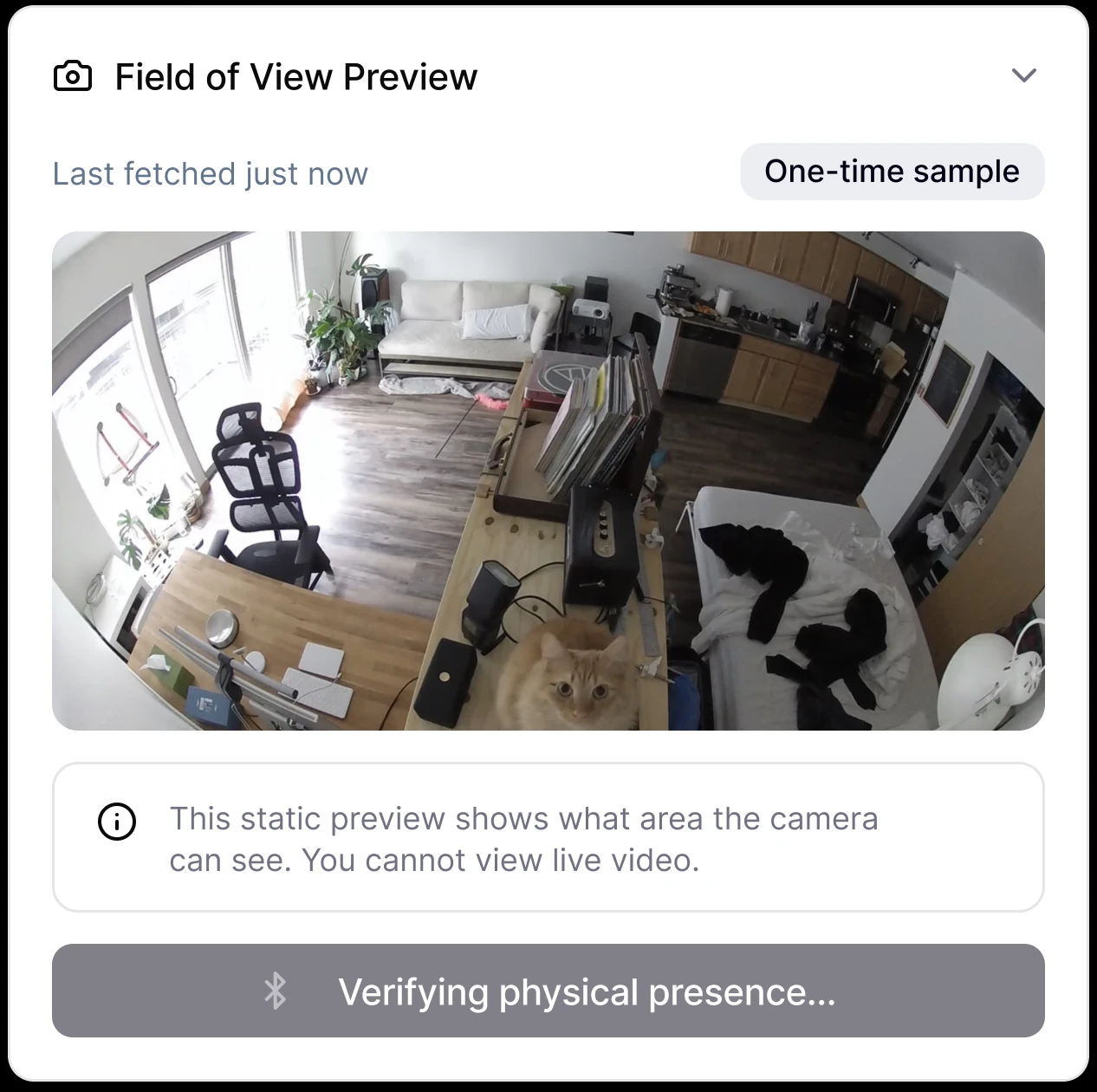
Color, icon and motion show sensing state in the app, matching the light on the device. A field-of-view preview shows exactly what the camera can see and hear. 'Find device' also directs you to where that monitoring device is located.
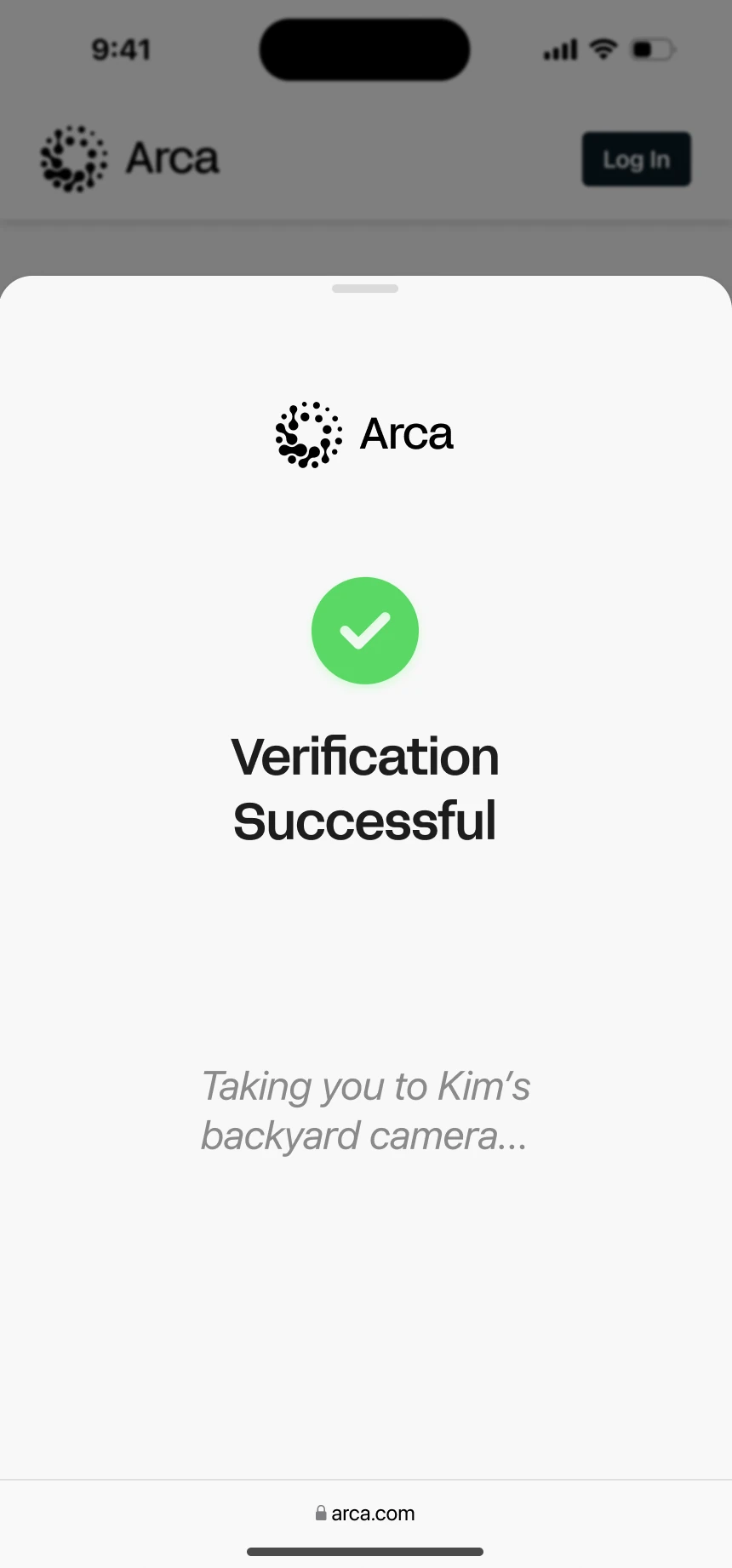
03 · Walk through both sides
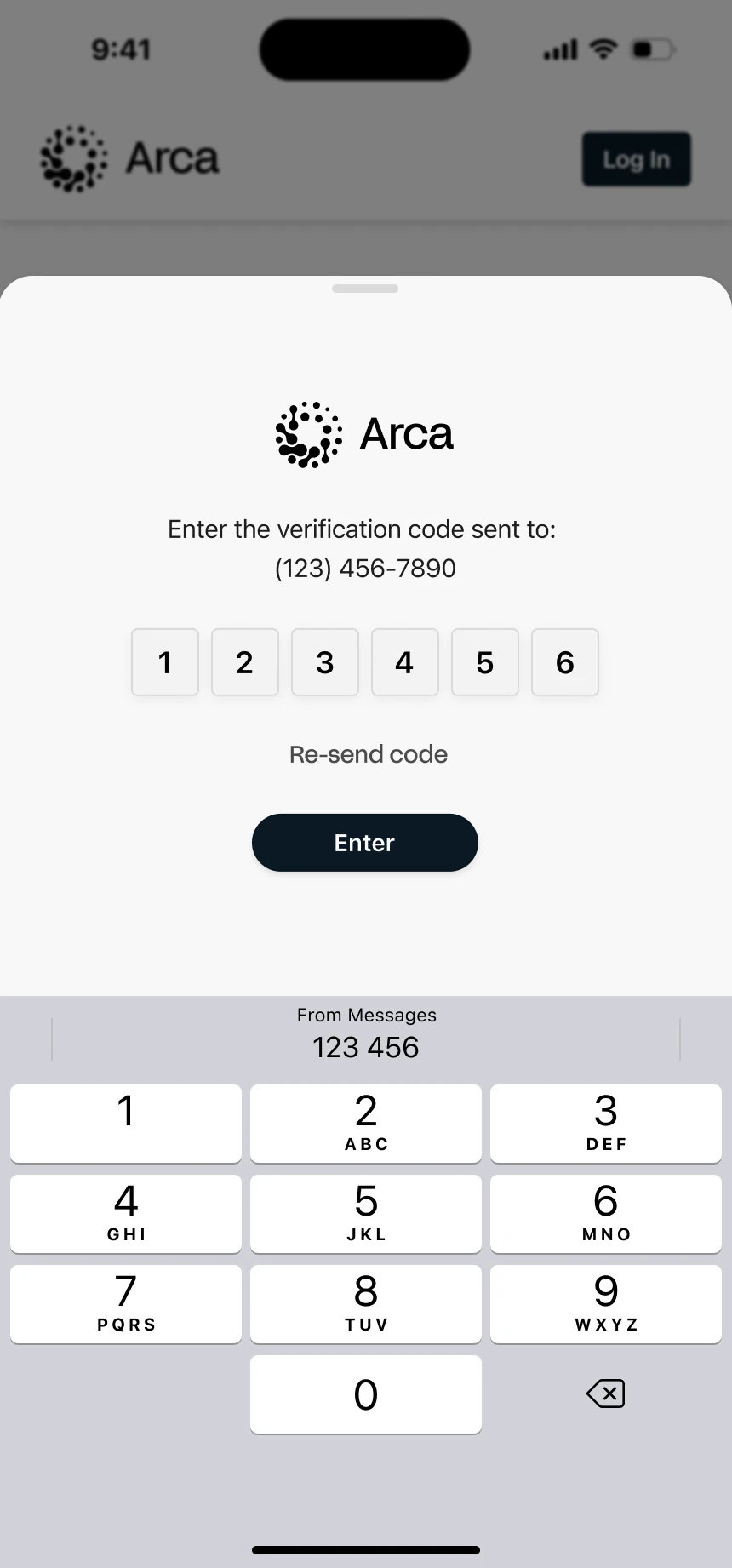
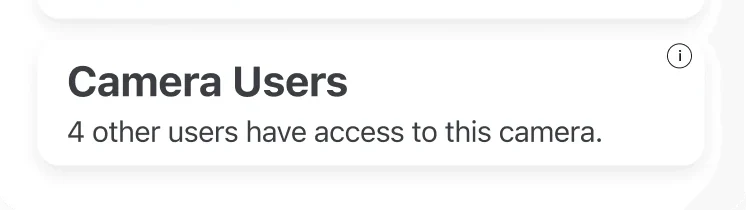
The same camera, seen by the person who owns it and by the neighbor it points at. Tap a step, or let it play.